
Admin data dashboards have a new look
August 25, 2026
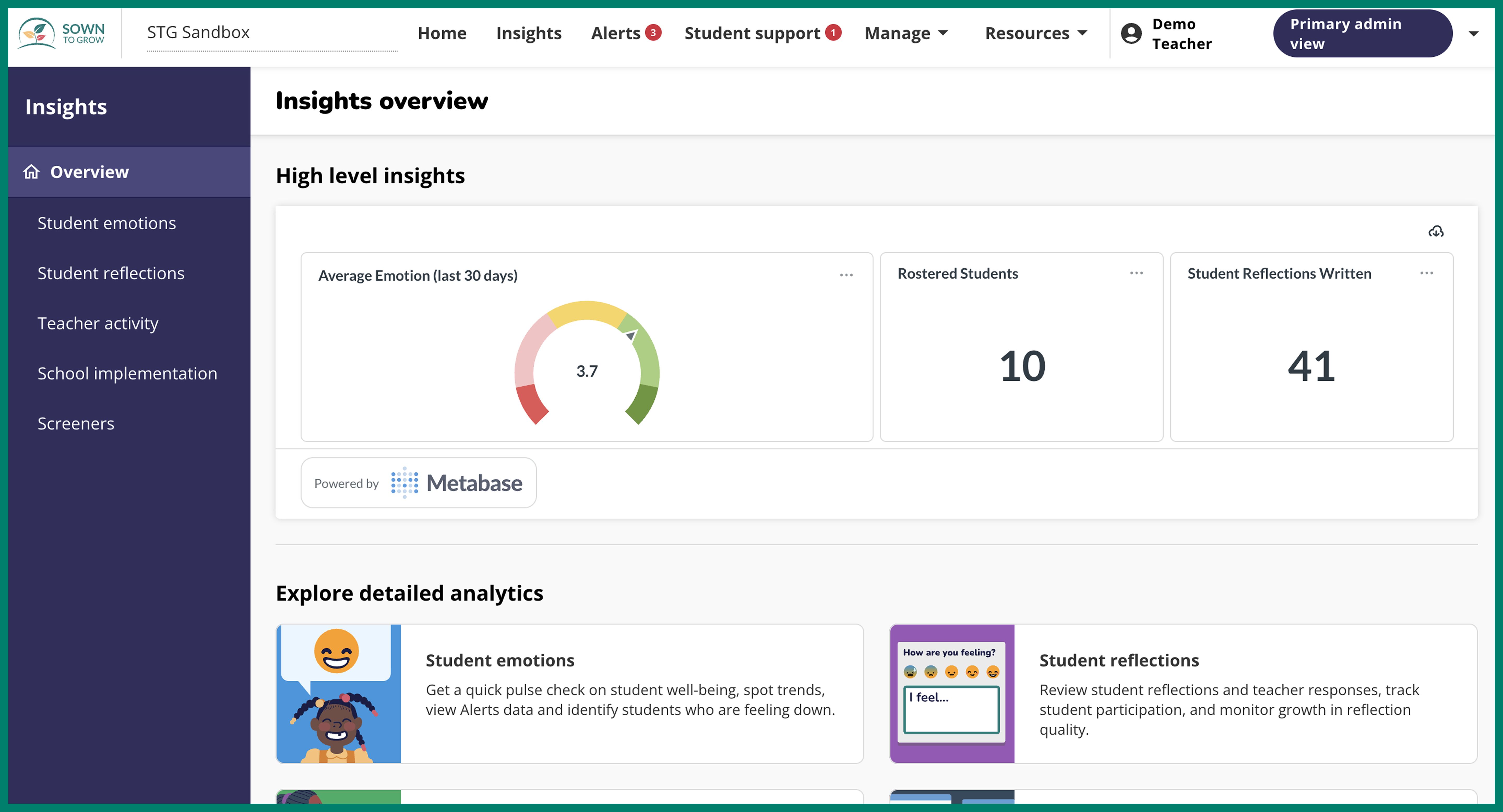
We've updated the layout of admin dashboards to help you find the data that matters most. The data is the same as what previously lived in the School Trends, Teacher Activity, and Student Reflections dashboards, just reorganized to be easier to find.
How to Access & Use Insights Dashboards

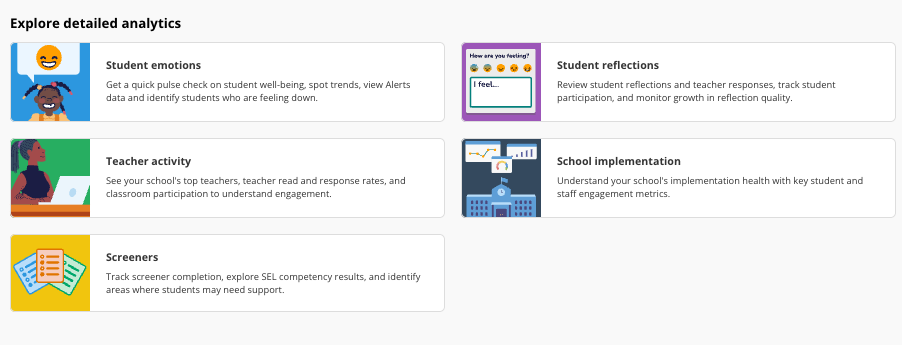
You'll now land on a new “Overview” page when you click "Insights," which shows high-level school metrics plus cards for 4-6 dashboards (dependent on your school’s modules).
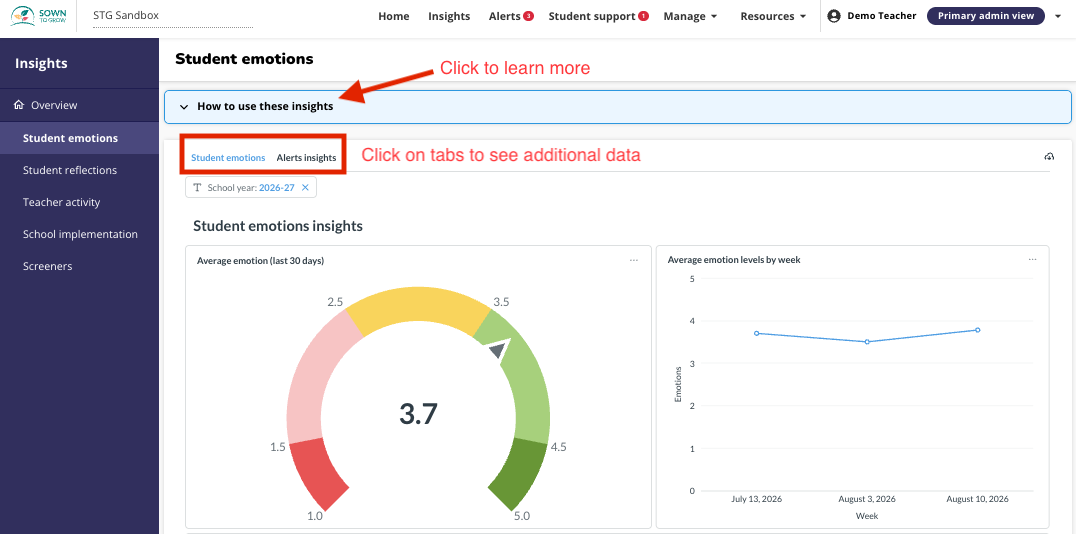
Once on a dashboard, click the card near the top to learn more about what it shows. Some dashboards have multiple tabs of data. You can find this data by clicking the tabs to the right.
