
Student check-ins are now limited to the dates of the current week by default
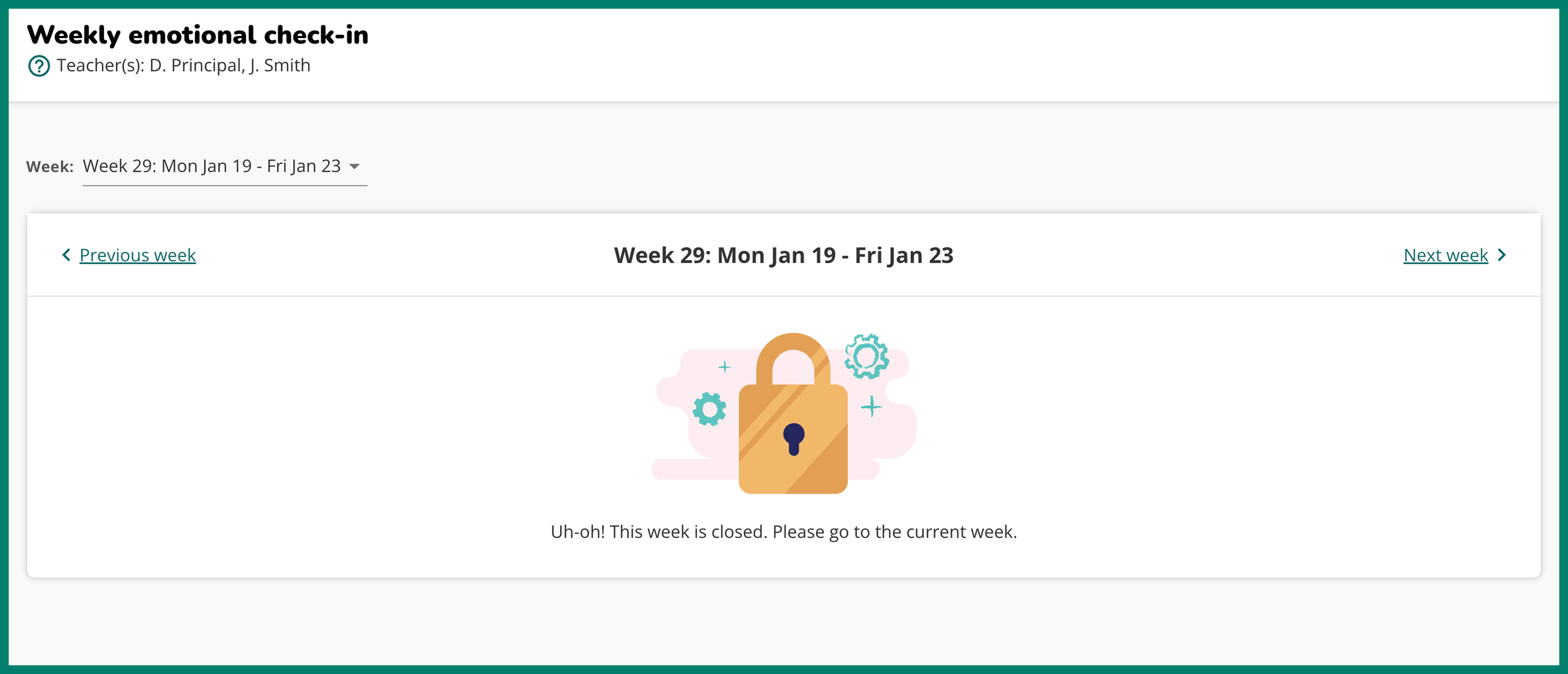
This new module setting limits student check-ins to only the dates of the current week. This means that students will not be able to check in or edit check-ins for past weeks or future weeks when this setting is turned on. Teachers will still be able to access all module weeks to read and respond to student reflections as usual.
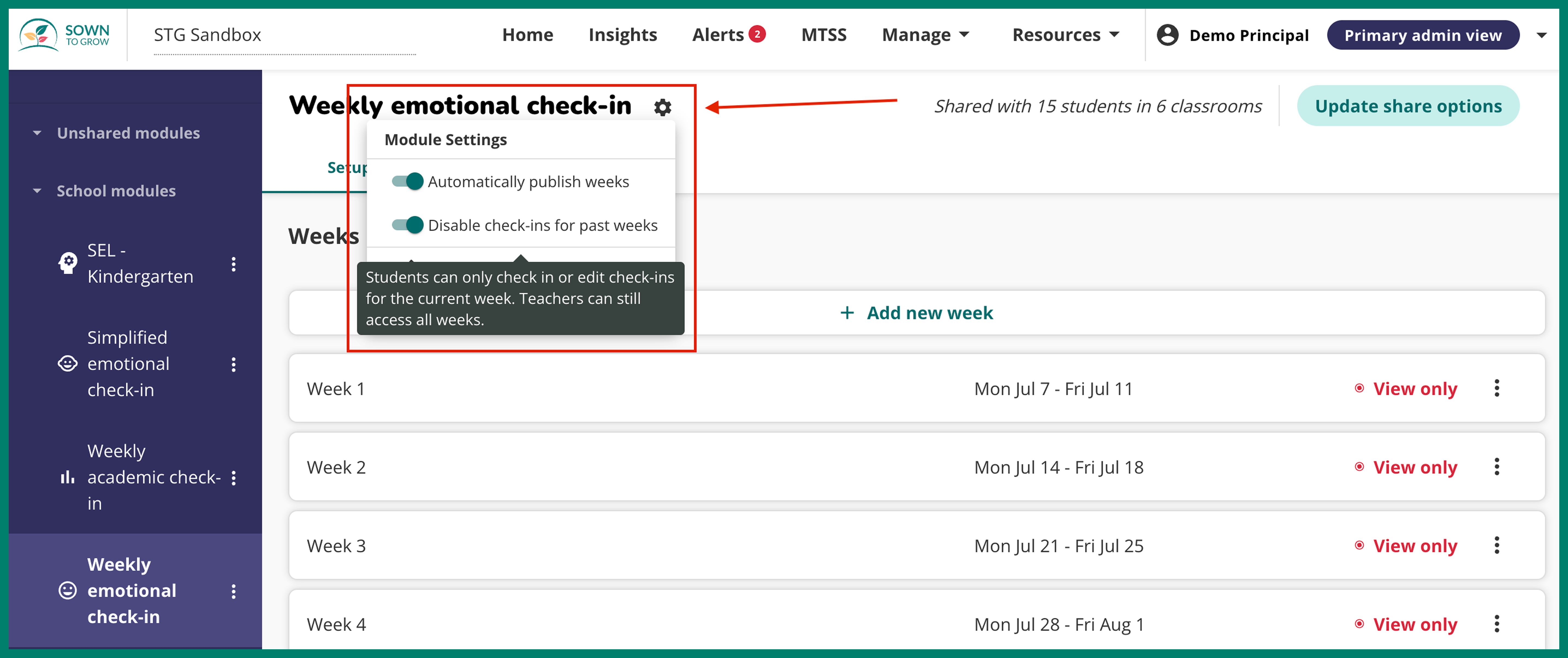
This setting will be turned on by default. If you'd like to turn this setting off to allow students to check in for past weeks, go to your school’s modules and select the desired module. From the module page, click the “Settings” icon, it’s a gear icon to the right of the module name. Then, toggle off the setting called “Disable past week check-ins”.
When this setting is turned on, all module weeks outside of the current date will appear as locked for students.
