Grade level insights for admins
January 2, 2026
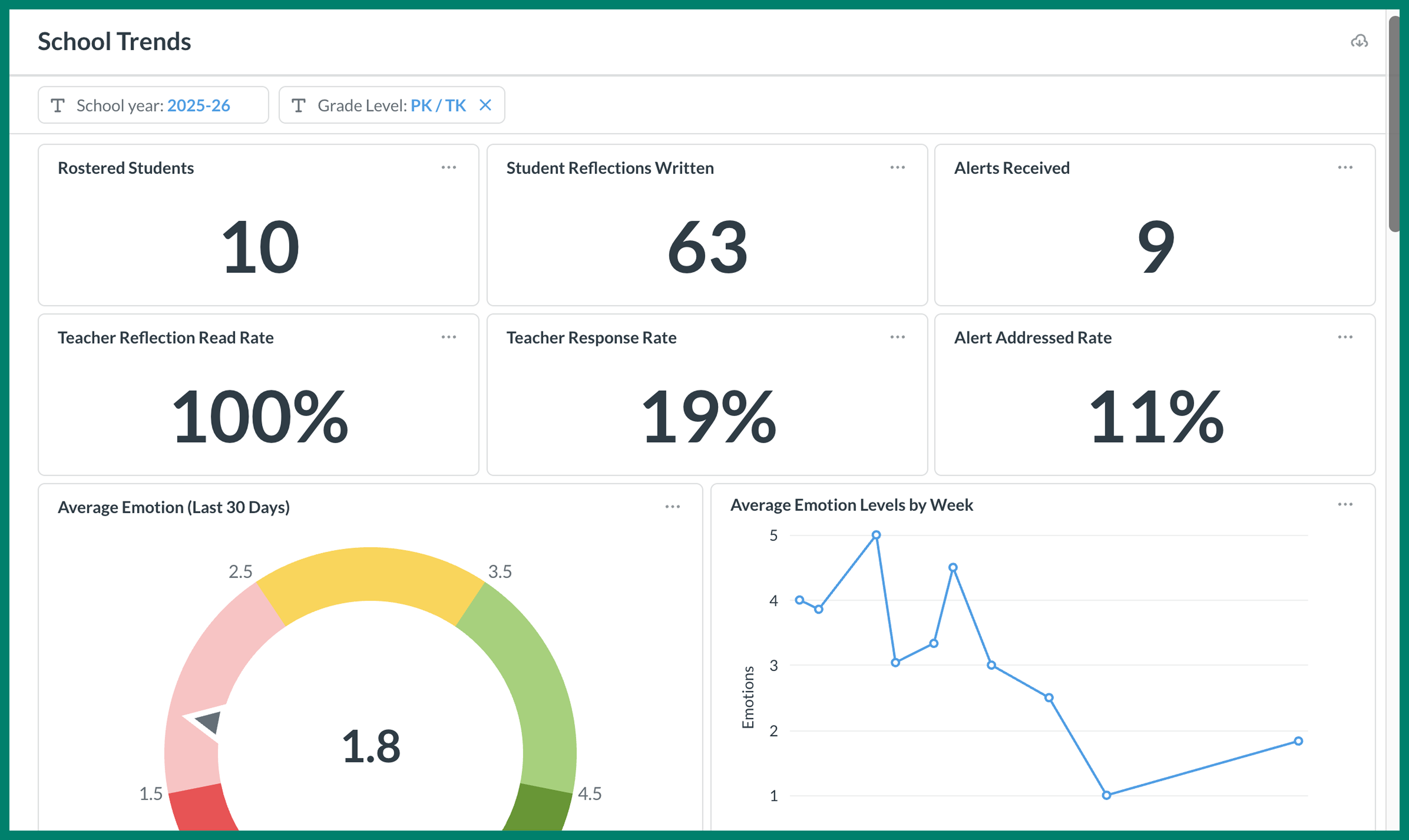
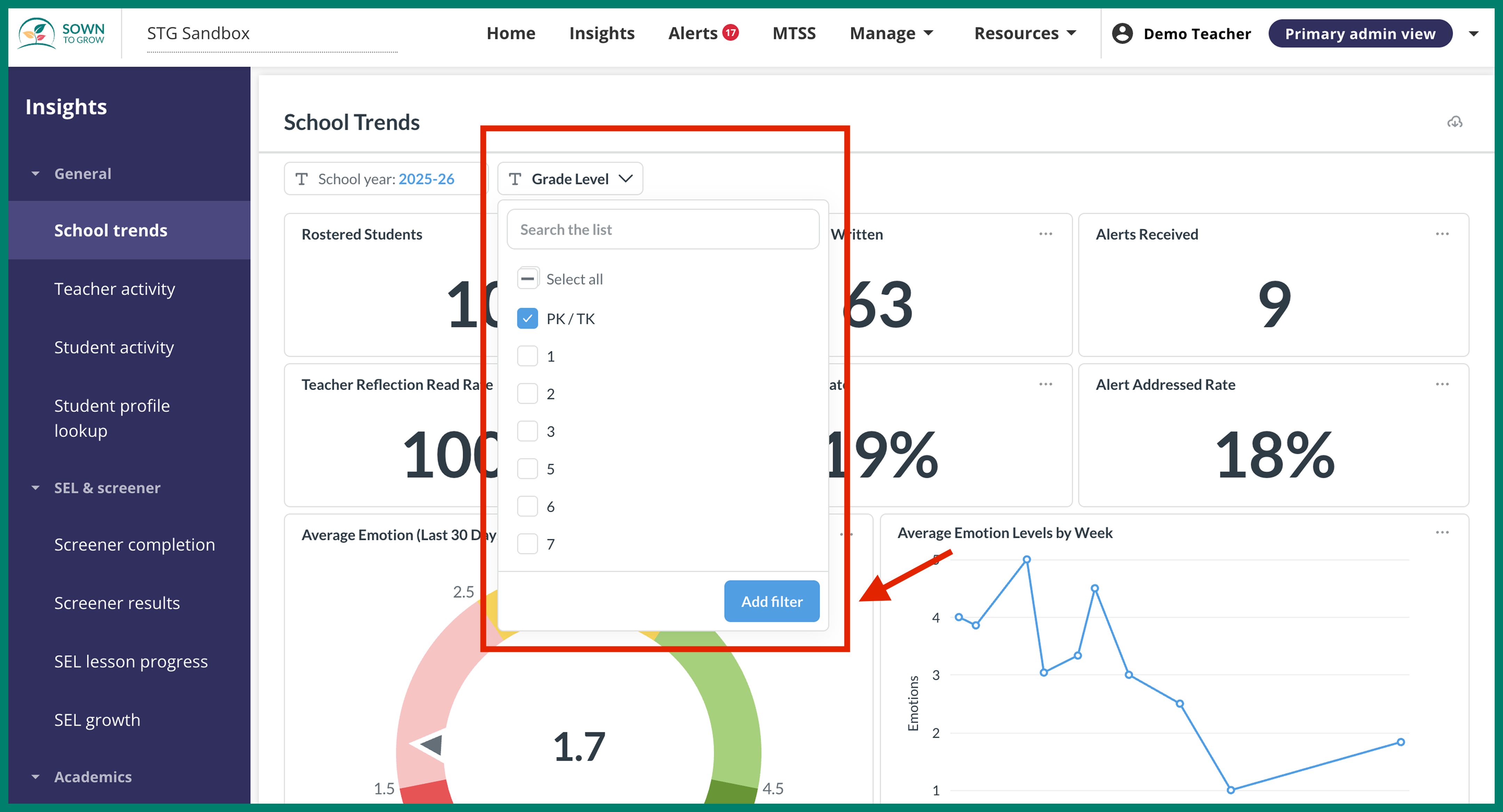
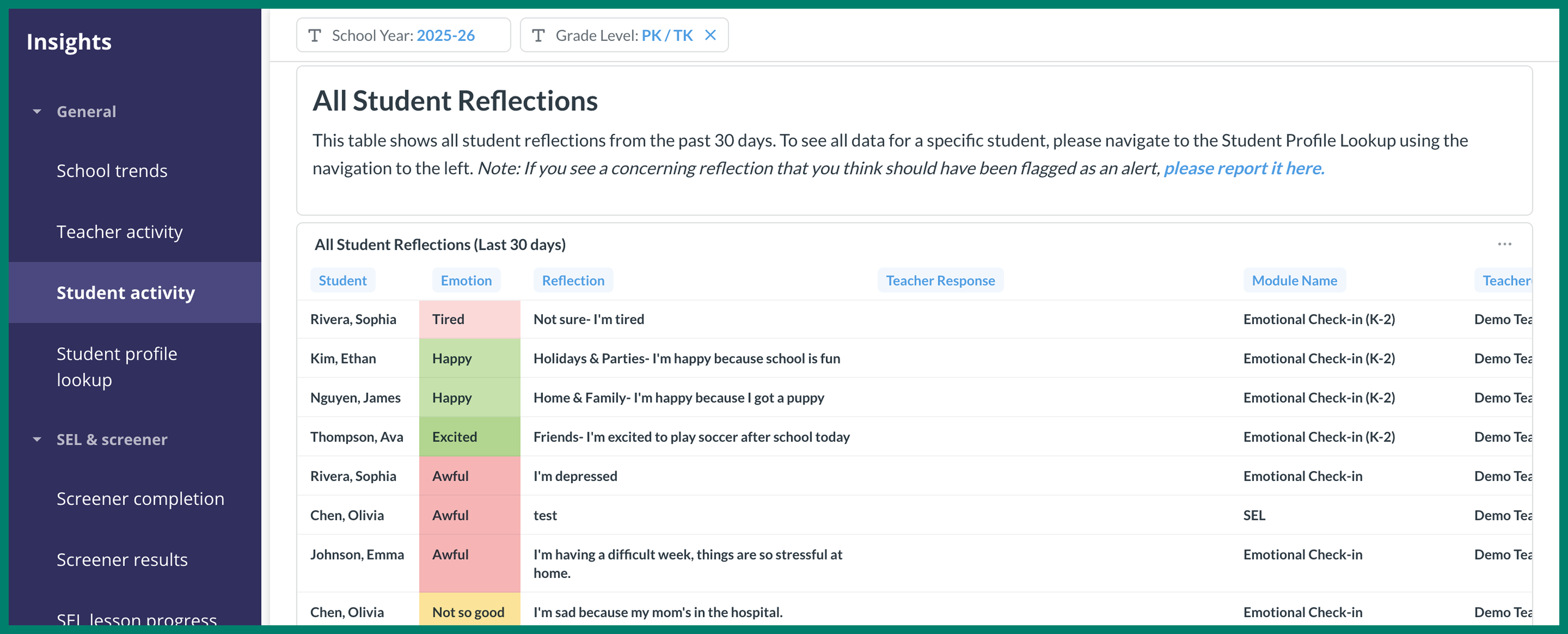
Within a school's Insights pages, the "School Trends" and "Student Activity" dashboards now have a grade level filter that allows school admins to break down student data by grade level. To use this feature, simply click "Grade Level" and then select the desired grade level from the dropdown and then click "Add filter". The resulting dashboard will show only data from students in that grade level.
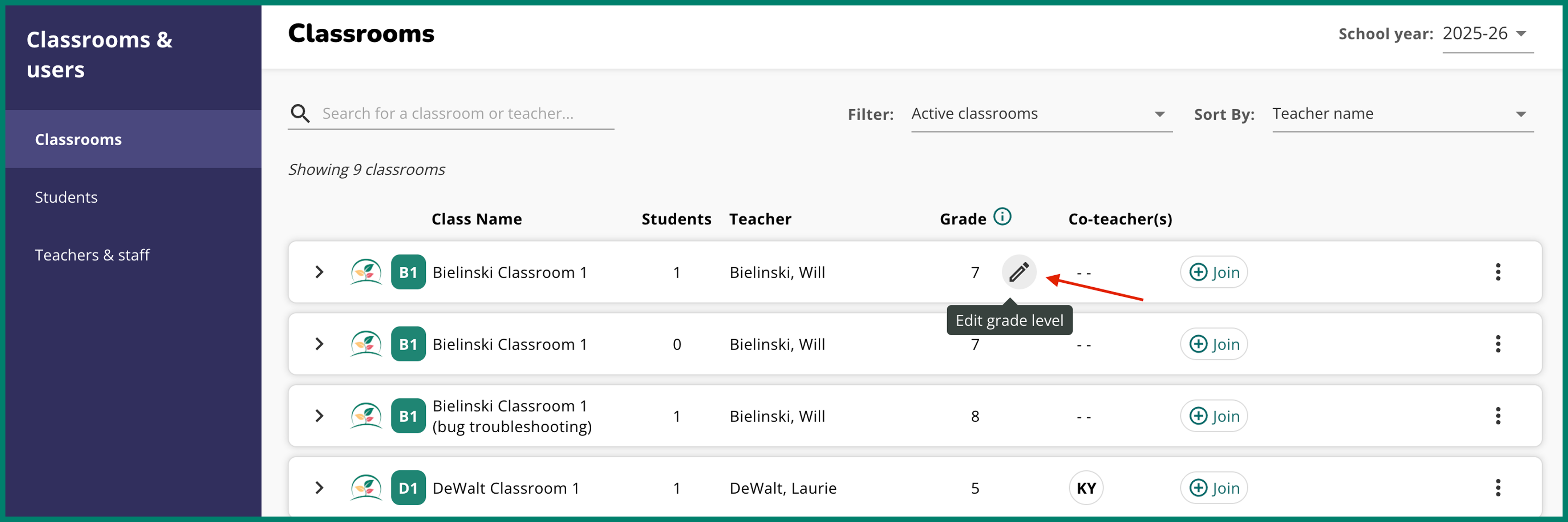
See something wrong? You can change the grade level of any classroom in your school from the "Classrooms" page in your school portal. Learn more about updating classroom grade levels here.