
We’re piloting Student Support Suggestions to proactively identify student needs
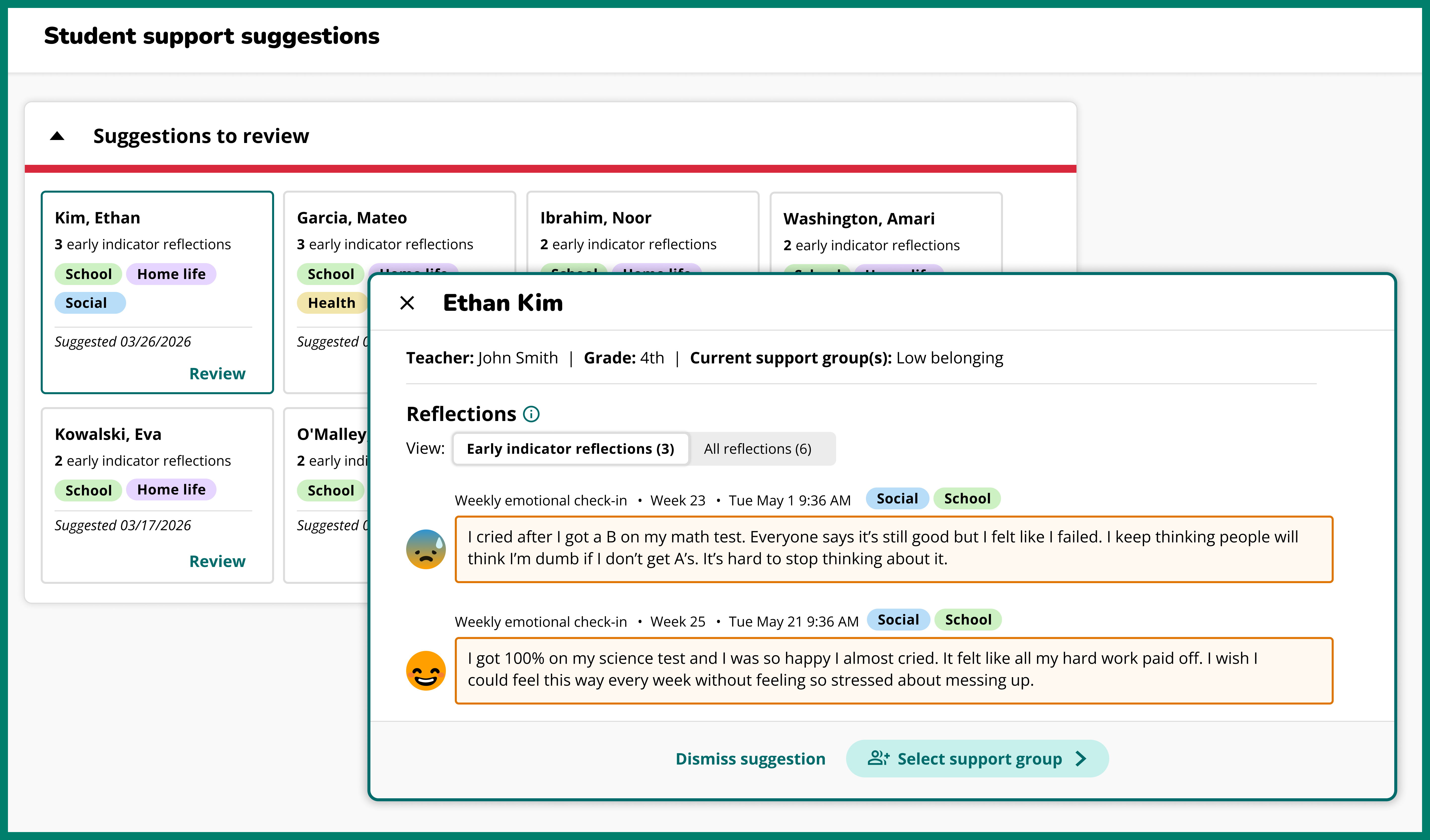
Student Support Suggestions* is a new feature that proactively identifies students based on recurring themes in their reflections. In addition to suggestions, we've also added an intervention bank for all Support Groups within the Student Support portal. These features are being piloted with a subset of schools, and are designed to help you prioritize and triage supports, and monitor improvement. If you're interested in testing it out at your school, reach out to us at alina@sowntogrow.com.
*This is part of the new Student Support platform, which was previously called MTSS Groups.
Student Support Suggestions
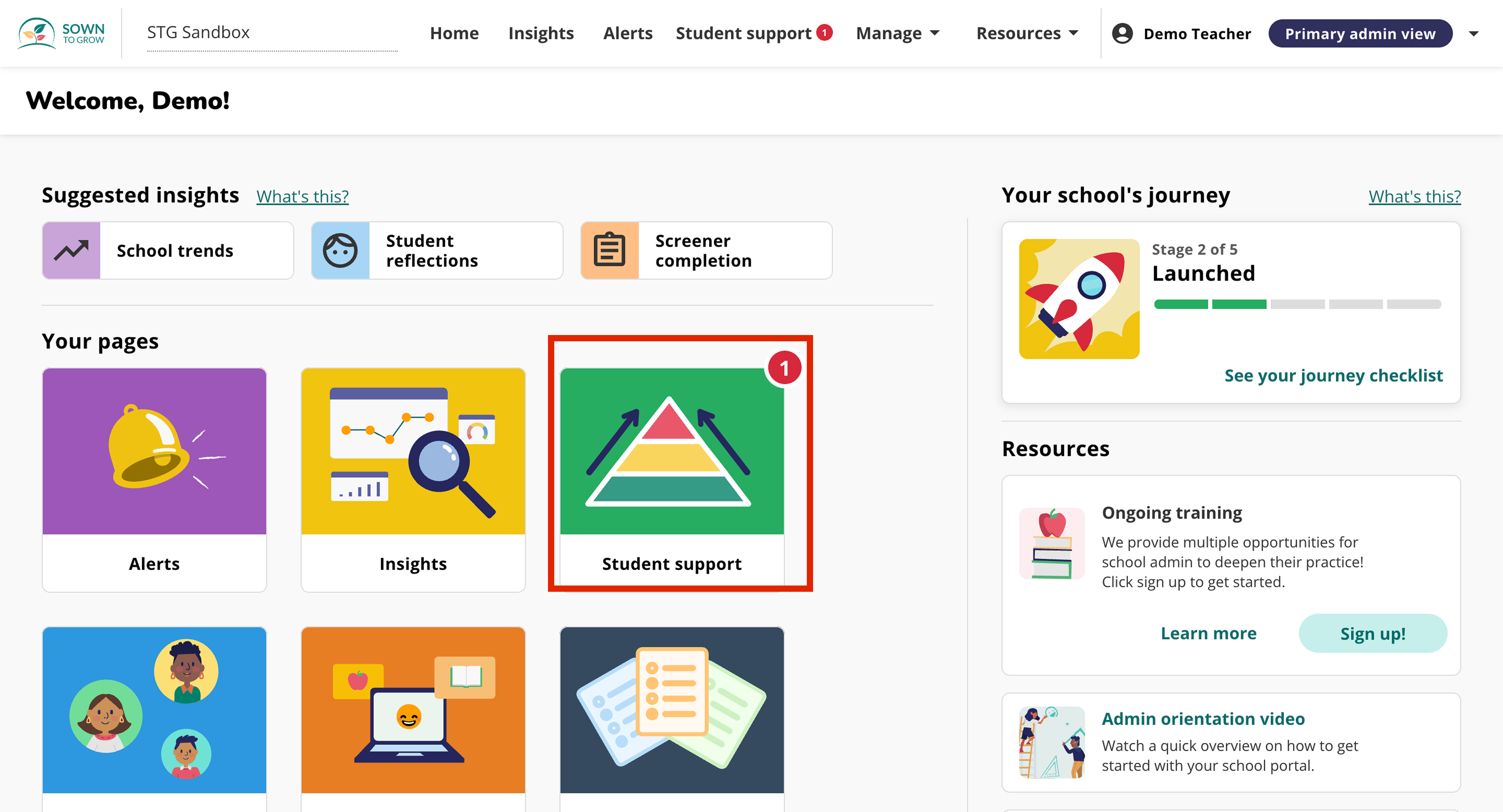
Access the feature through the Student Support button on your home page, or through the top bar.
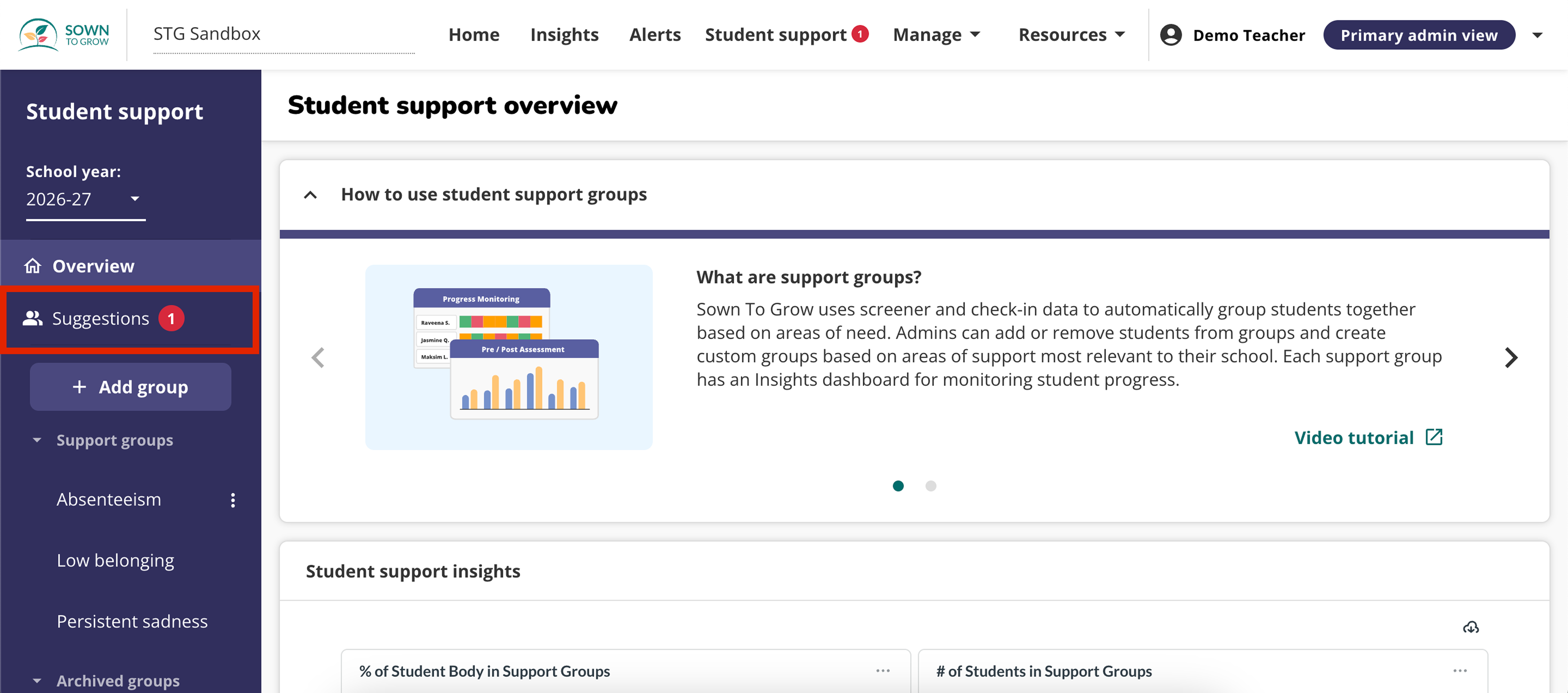
Click on “Suggestions” to view the identified students.
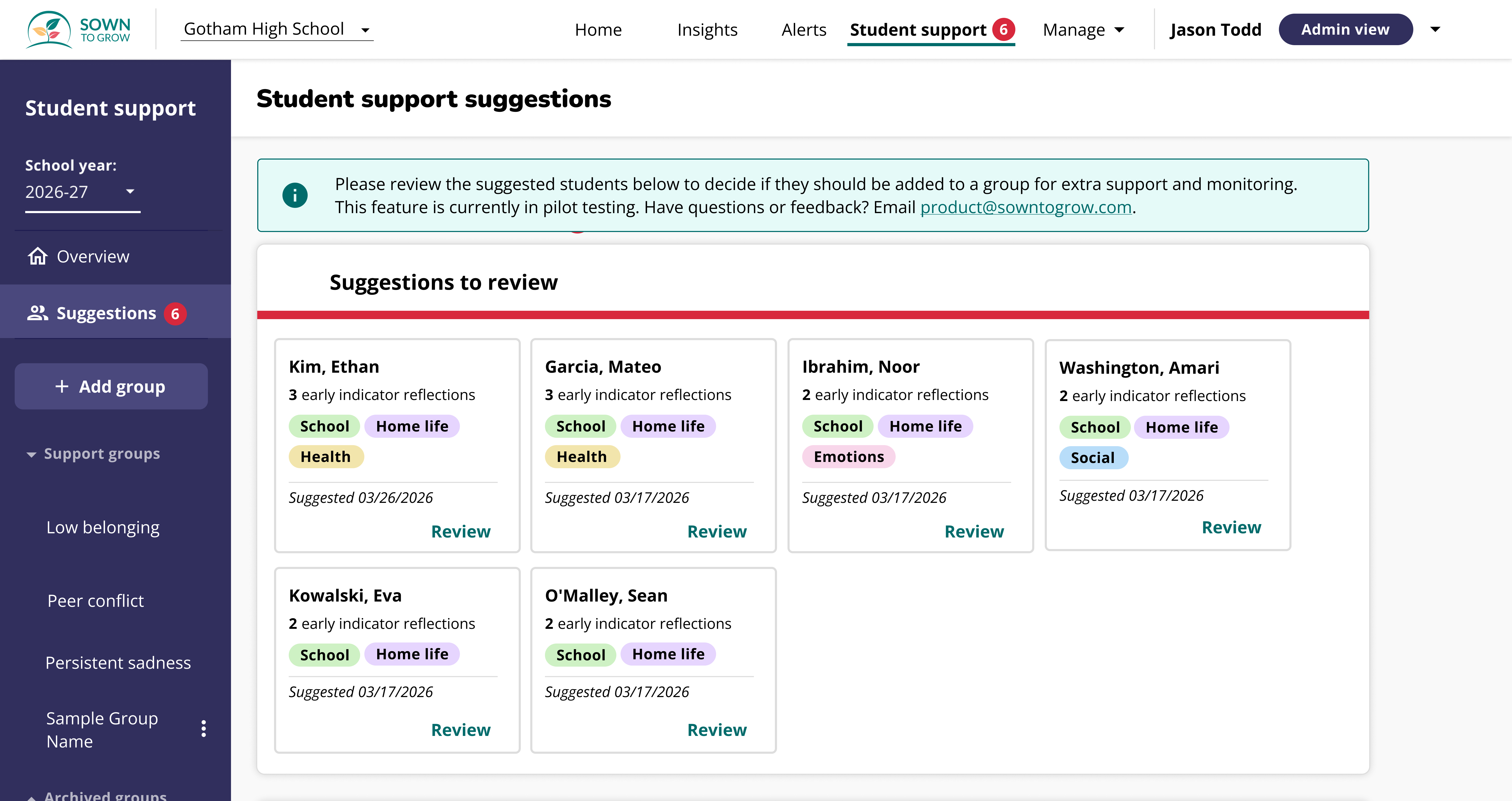
You'll see suggested students for review, with the count in a red circle. These are students whose reflections suggest they might benefit from support. Click a card to see more detail.
Cards show early indicator reflections so you can better assess what’s going on and whether support is needed. Cards are also tagged to highlight reflection themes (Social, School, Home Life, Health, Emotions). Based on reflection content, accept or dismiss the suggestion using the buttons at the bottom.
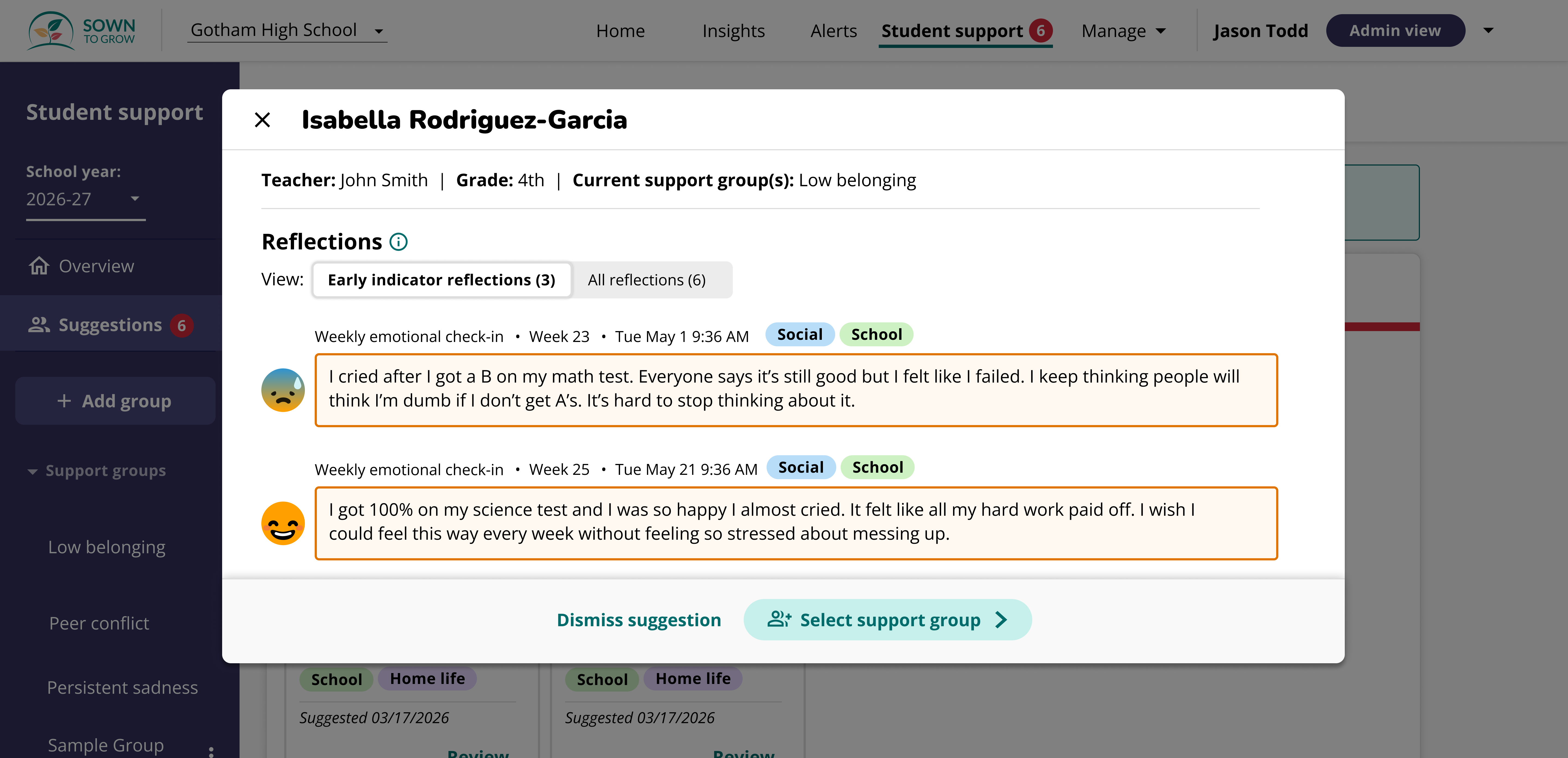
.png)
If you click “Select support group” you will be prompted to select a support group to add the student to for ongoing monitoring. You can also click “Create a new group” to create a custom group.
.png)
You can revisit reviewed suggestions anytime under the Accepted or Dismissed lists.
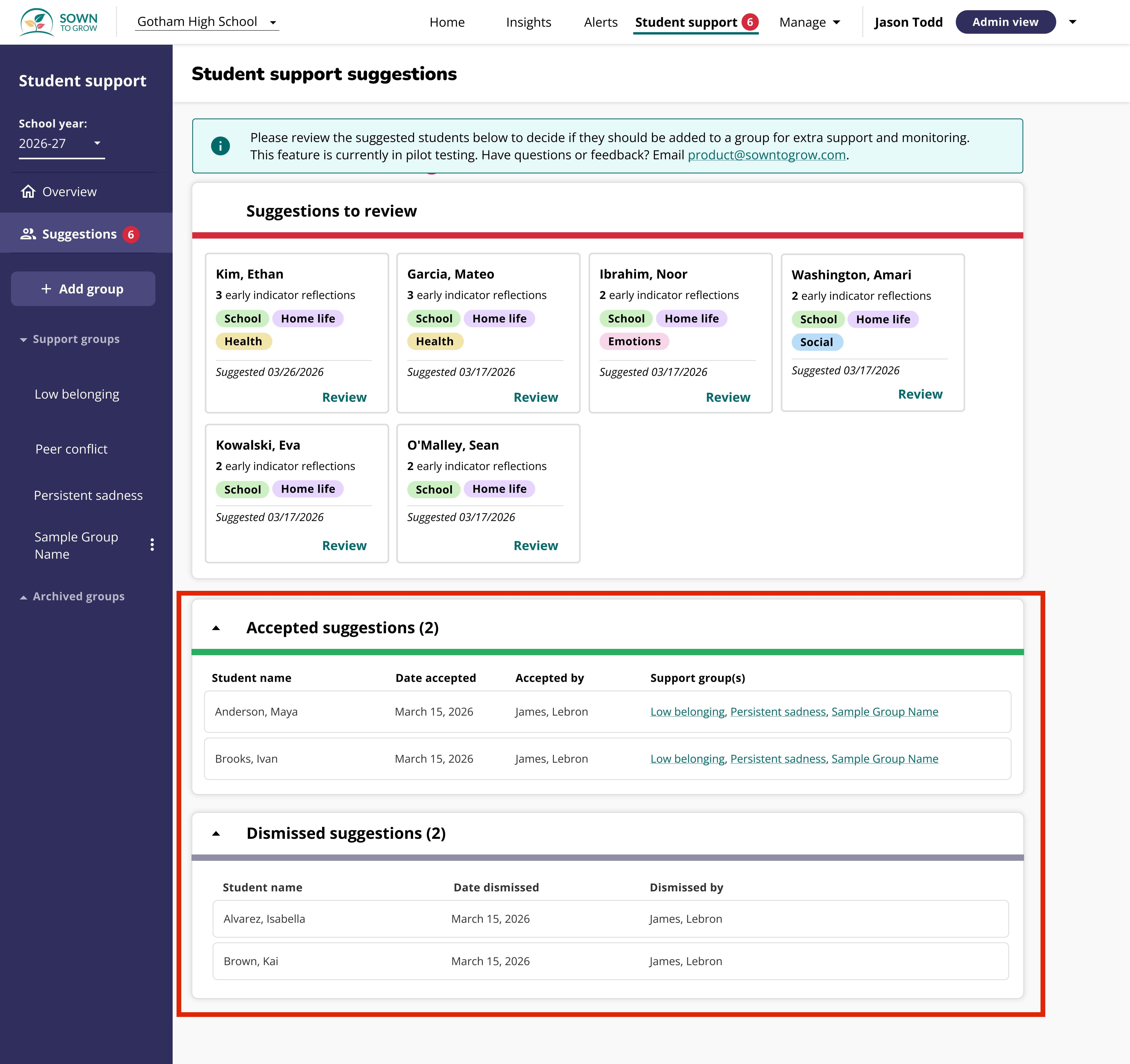
From the "Accepted suggestions" section, click into a support group to view details and track progress.

Tier 2 Intervention Bank for Support Groups
We also added Tier 2 intervention resources within Student Support Groups pages. These resources (e.g., worksheets, lesson plans, STG Tier 2 extensions) relate to identified student needs, making it easier for admin to find and apply effective support.
To access the intervention bank, navigate to any Support Group within the Student Support feature. Then click on the "Interventions" tab.

Within the Interventions tab, you'll see a list of intervention resources you can use with your students. You can filter these resources by topic, grade band, or type of resource. For Sown To Grow created groups, interventions will automatically be filtered by the topic of the group, ex. Low sense of belonging, Persistent sadness, Peer conflict, etc.
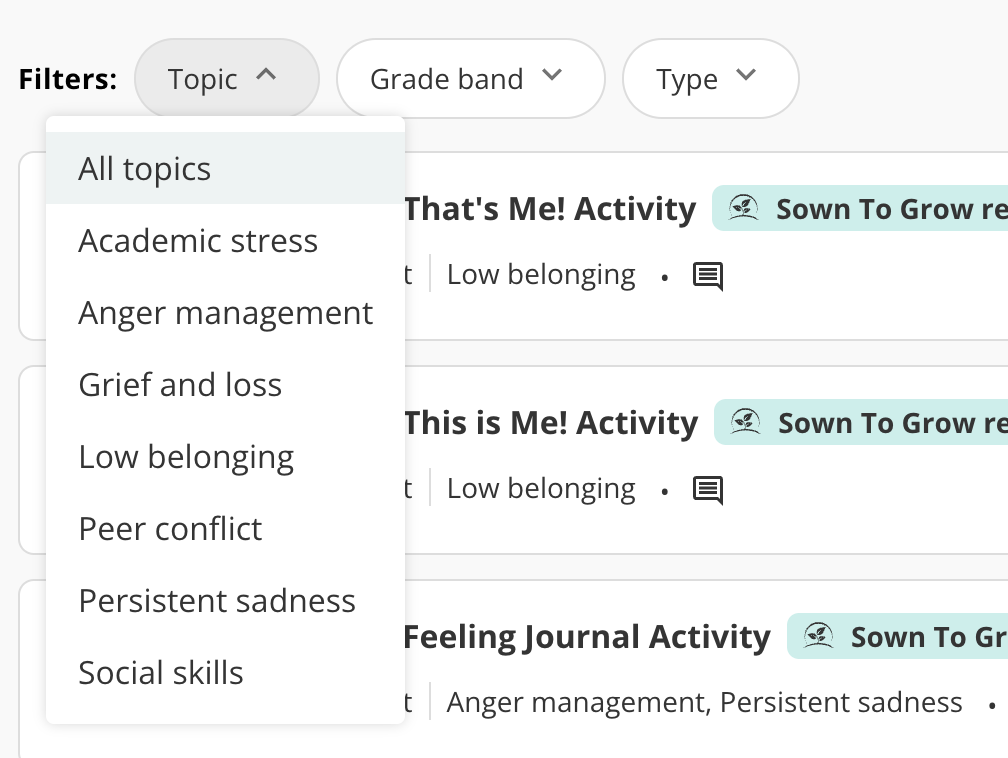
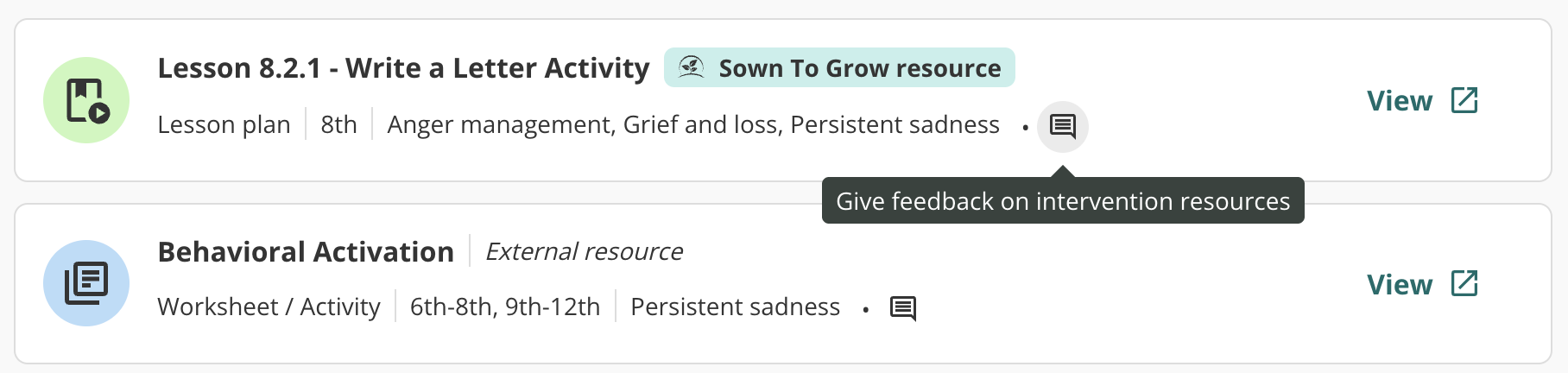
Some of these resources were created by Sown To Grow, while others were sourced from external organizations. If you have any feedback about the resources, please click the "Feedback" button within each resource to let us know.
For more guidance on utilizing tier 2 interventions with your students, our Training team has created this helpful resource!
